
Download
OnAirCut for Mac
A signed and notarized disk image. Drag OnAirCut to Applications, open it, and macOS asks for two permissions.
Download for Mac Version 26.10.06 · macOS 14 or later · Apple silicon
Public beta. OnAirCut is still being developed: it’s free until December 31, 2026, and your podcast or livestream is the best test. Found a bug, something confusing or an idea? Tell me — every error carries a code, and every message helps shape the next version.
What you need
- A Mac with Apple silicon (M1 or later)
- macOS 14 Sonoma or later
- An ATEM switcher — Mini, Mini Pro, Extreme, SDI, Television Studio… (only for the live switcher)
- A multichannel USB audio console, one person per channel — for example a Mixcast 4 (only for the live switcher)
Installing
- 1 Open the disk image and drag OnAirCut onto Applications.
- 2 Open OnAirCut. macOS asks for the microphone (to read the console) and the local network (for the ATEM over Ethernet). Allow both.
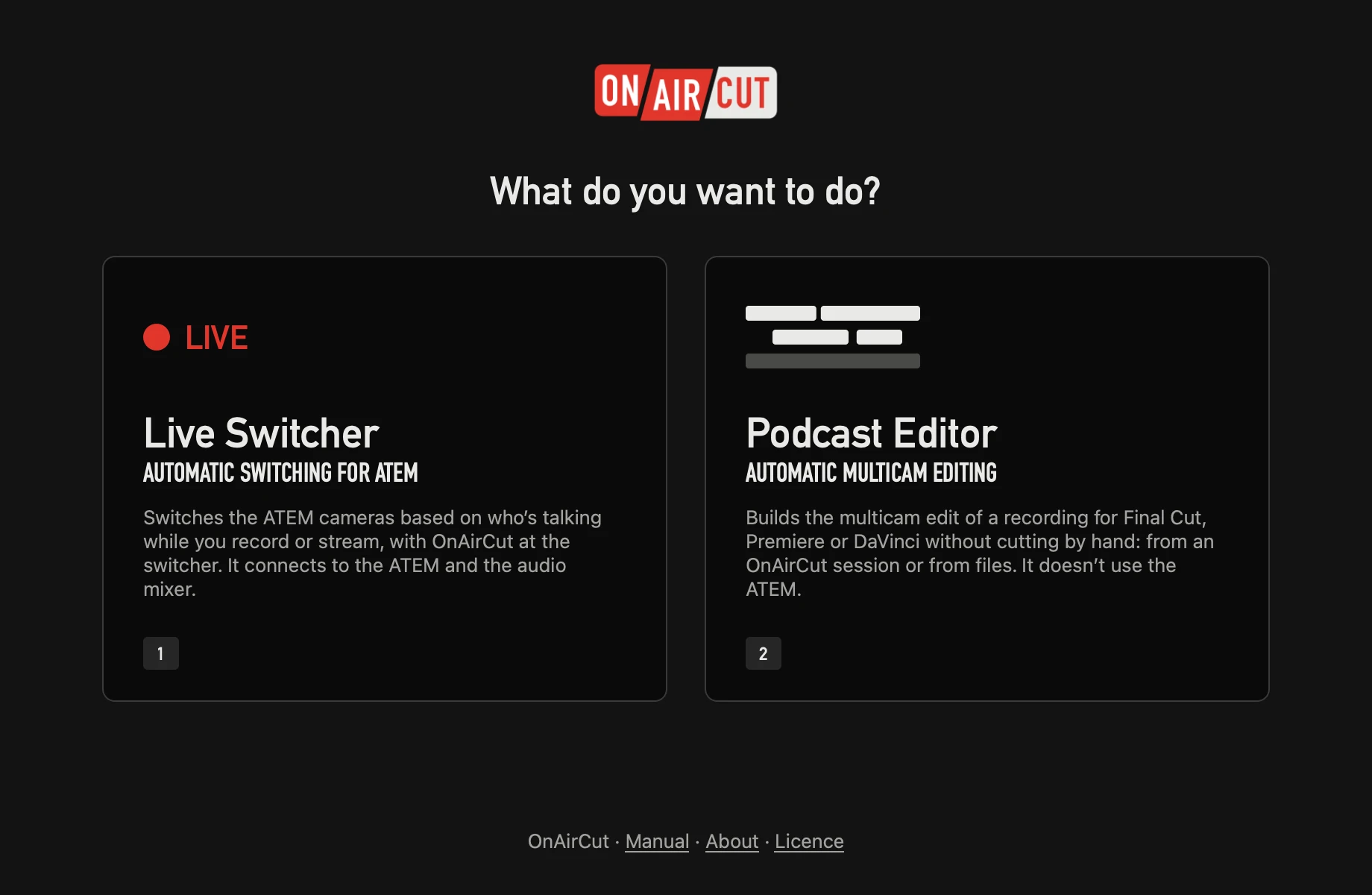
- 3 Choose Live Switcher or Podcast Editor. The live switcher opens its assistant the first time.
Earlier versions
If the newest one gives you trouble, the last five stay here.
- 26.10.05 October 2026 What changed DMG ↓
- 26.10.04 October 2026 What changed DMG ↓
- 26.10.03 October 2026 What changed DMG ↓
- 26.10.02 October 2026 What changed DMG ↓
- 26.10.01 October 2026 What changed DMG ↓