
OnAirCut is in public beta
Until December 31, 2026 anyone can use OnAirCut while it’s still being developed. Real podcasts and livestreams are the best test there is — here’s what we’d love you to try, and how to tell us what fails.
What “public beta” means
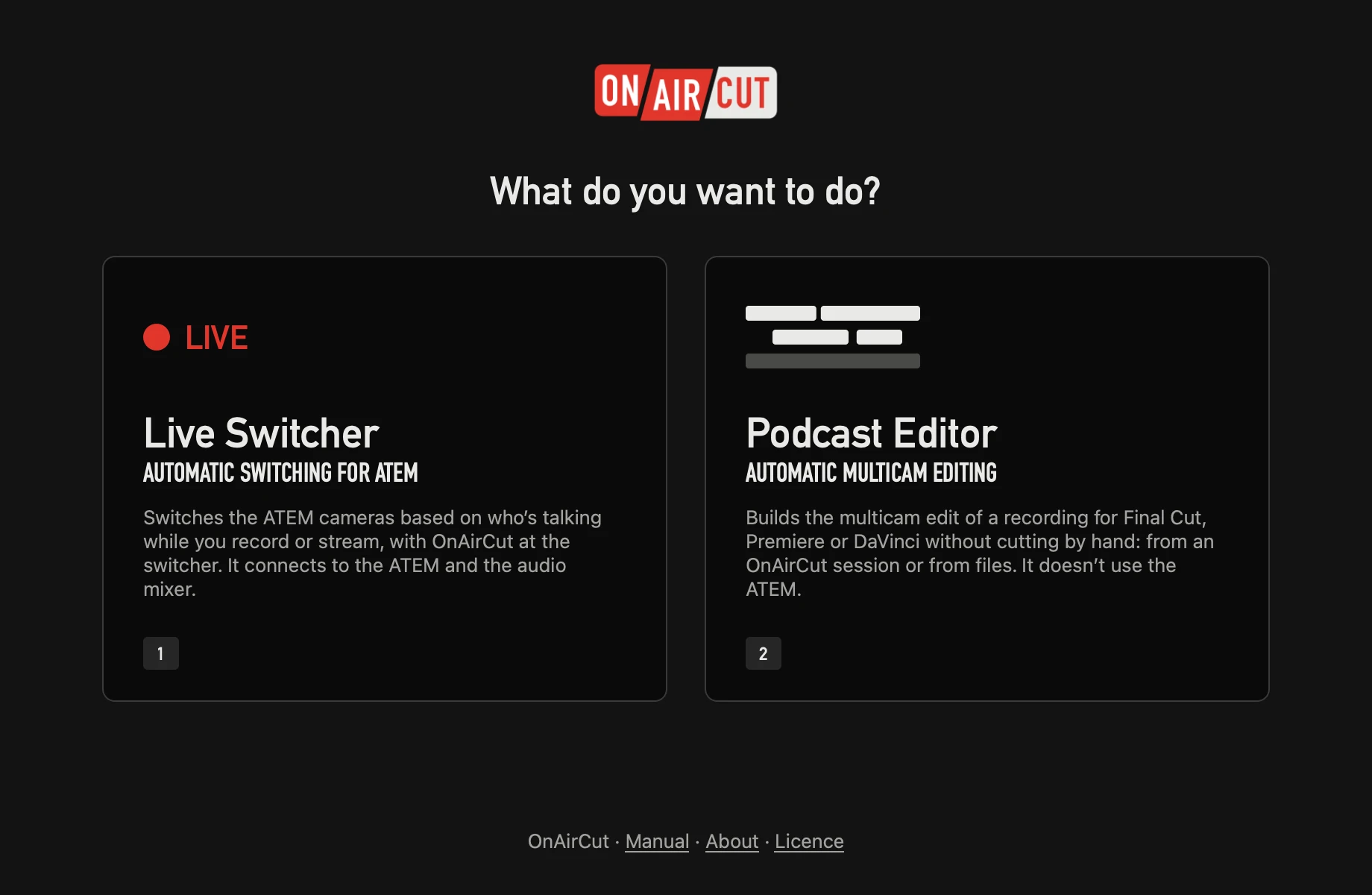
- It’s the real application, the one that will be sold, with its two apps in one: the Live Switcher and the Podcast Editor.
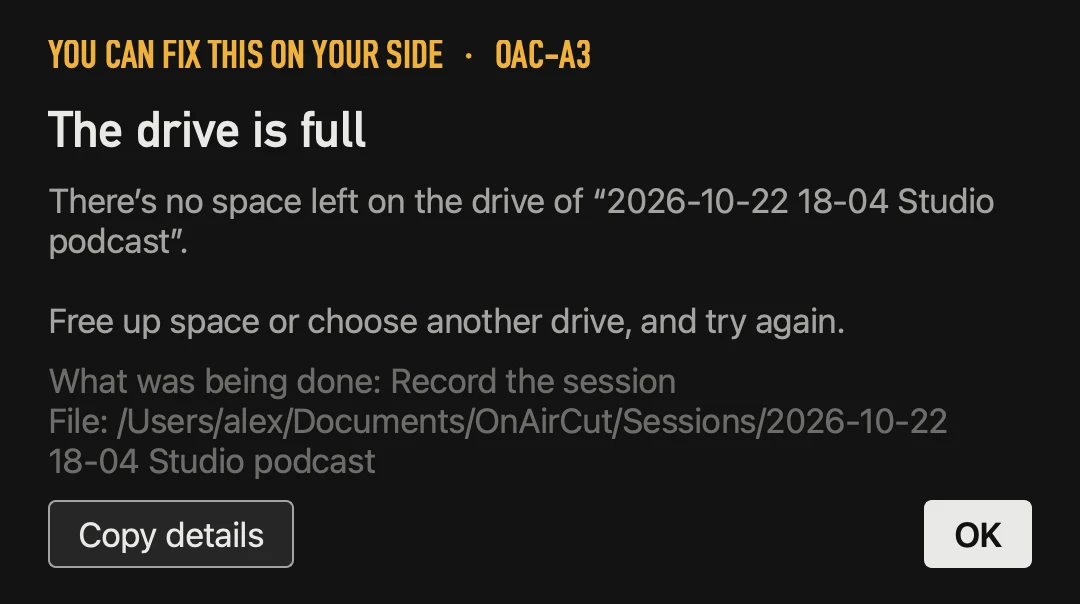
- It’s still being developed. Things will change and some will fail. Every error says whose side it’s on and carries a code, so a fault in OnAirCut can be found and fixed.
- It costs nothing until December 31, 2026. No licence and no card needed.
- From January 1, 2027 it needs a subscription — 19 USD a month or 190 USD a year, taxes included, with a 7-day free trial. The licence works on two Macs at once.
What we’d love you to try
- Your ATEM model. It’s been run on an ATEM Mini Pro by USB and by Ethernet; every model of the family speaks the same protocol, and we want to hear from the others.
- Your console. Any multichannel USB console that sends one person per channel should work. Tell us which one you use and how it went.
- Three or more people, a guest who talks softly, a loud one, people who talk over each other.
- Long sessions — an hour or more — with ● REC on, and the edit afterwards.
- Your editor: open the export in Final Cut Pro, Premiere Pro or DaVinci Resolve and tell us if anything arrives wrong.
How to tell us what fails
- 1If an error appears, look at its side: “You can fix this on your side” says exactly what to check (a file, a disk, a permission, a cable).
- 2If it says “OnAirCut fault”, press Copy details: it copies the version, macOS, the error and where it happened — no audio and no names of your files.
- 3Paste it in the contact form with “Something isn’t working”, and add what you were doing. A person answers, Monday to Saturday.
Ideas count too: what you’d change, what you expected and didn’t find. And if it’s working on your show, a review helps other producers decide.
Your work stays yours
Testing a beta doesn’t mean sending us your show. The audio is analysed on your Mac and never leaves it; sessions, recordings and edits stay on your disk. The only things that go online are the licence check, the check for updates (it can be turned off) and, only if you send them, fault reports. Everything is in the privacy notice.
Questions
Do I need to sign up for the beta?
No. Download it and use it. There’s no account to create.
What happens to my settings and sessions on January 1, 2027?
Nothing: they’re on your Mac. You’ll need a subscription to keep using the app, and it starts with a 7-day free trial.
Will the beta stop working suddenly?
No. The date is already set — January 1, 2027 — and the app will tell you ahead of time.
Read next
Live switching
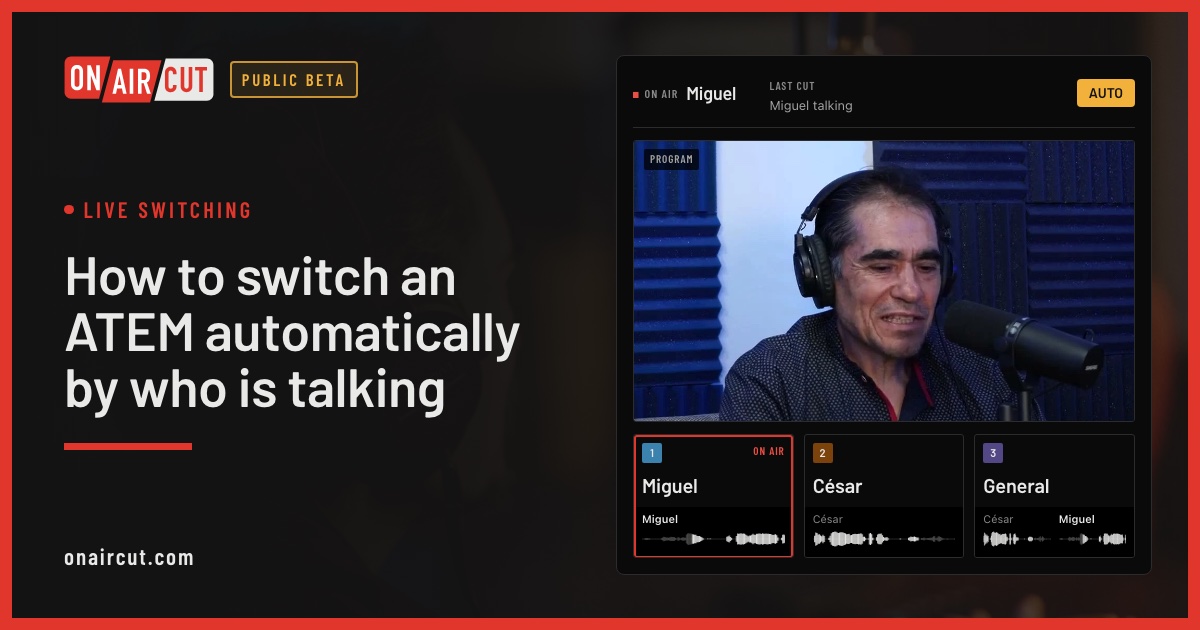
How to switch an ATEM automatically by who is talking
Switch an ATEM’s cameras to whoever is talking, live, from each mic of a multichannel USB console. Step by step with OnAirCut, from the cables to the first show.
Read →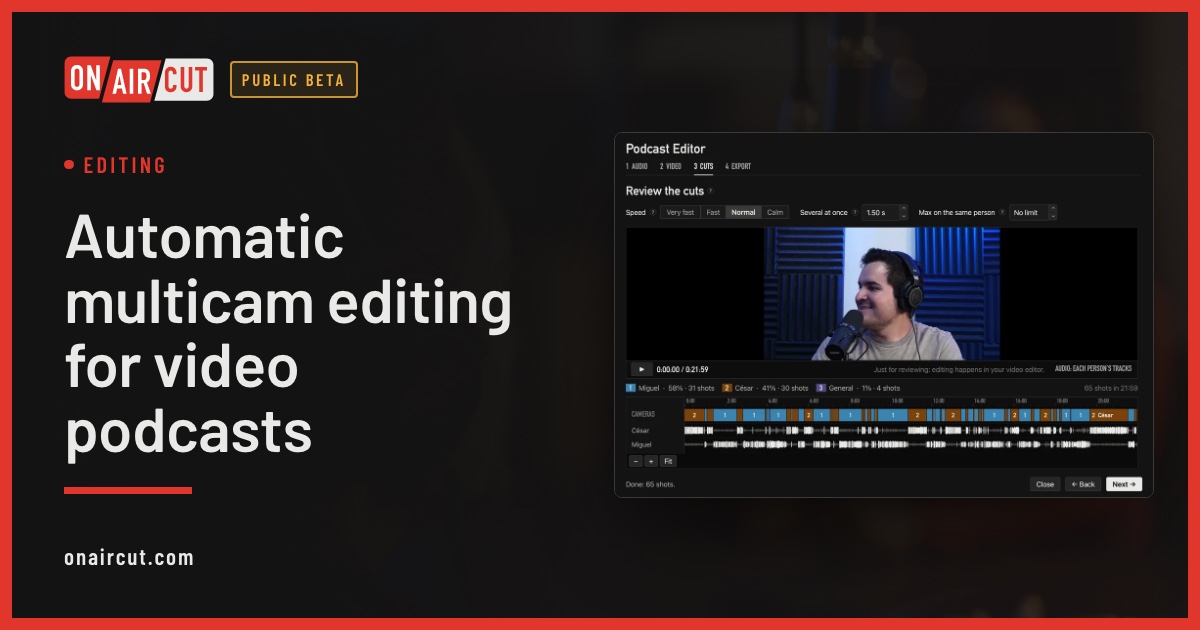
Editing
Automatic multicam editing for video podcasts
Build a video podcast’s multicam edit automatically from each person’s audio, for Final Cut Pro, Premiere Pro or DaVinci Resolve. No ATEM needed. Four steps.
Read →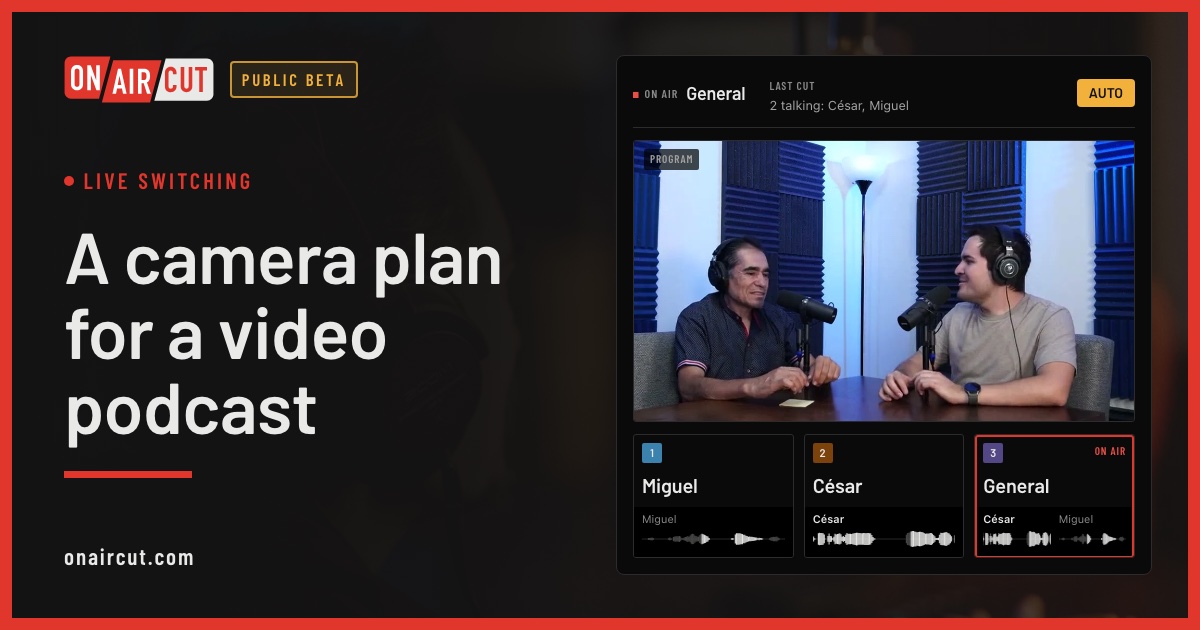
Live switching
A camera plan for a video podcast
How many cameras a video podcast needs, what each should show and how to frame them, for two or three people — and how OnAirCut uses each one.
Read →Try it on your own show.
Public beta until December 31, 2026. For Mac with Apple silicon.