
Blog
Guides for filmed podcasts.
Switching an ATEM by who is talking, editing a multicam podcast, syncing cameras and fixing mic bleed — step by step, with pictures from the application.
RSS feed
News
OnAirCut is in public beta
OnAirCut is in public beta until December 31, 2026: still being developed, free to use, and looking for real shows to test it. What to try and how to tell us.
Read →
Guide
How to keep your podcast on time
A big clock on a TV so your guests see the countdown, the recorded time and the time of day — plus markers for the edit and a recording you can’t forget to start. Step by step, with OnAirCut.
Read →Raw tracks the other voice −22 dB
After Auphonic the other voice −70 dB
Audio
Remove mic bleed and clean up your podcast audio with Auphonic
Our studio’s exact Auphonic Multitrack settings to remove mic bleed, background noise and room echo from a podcast — step by step, with screenshots.
Read →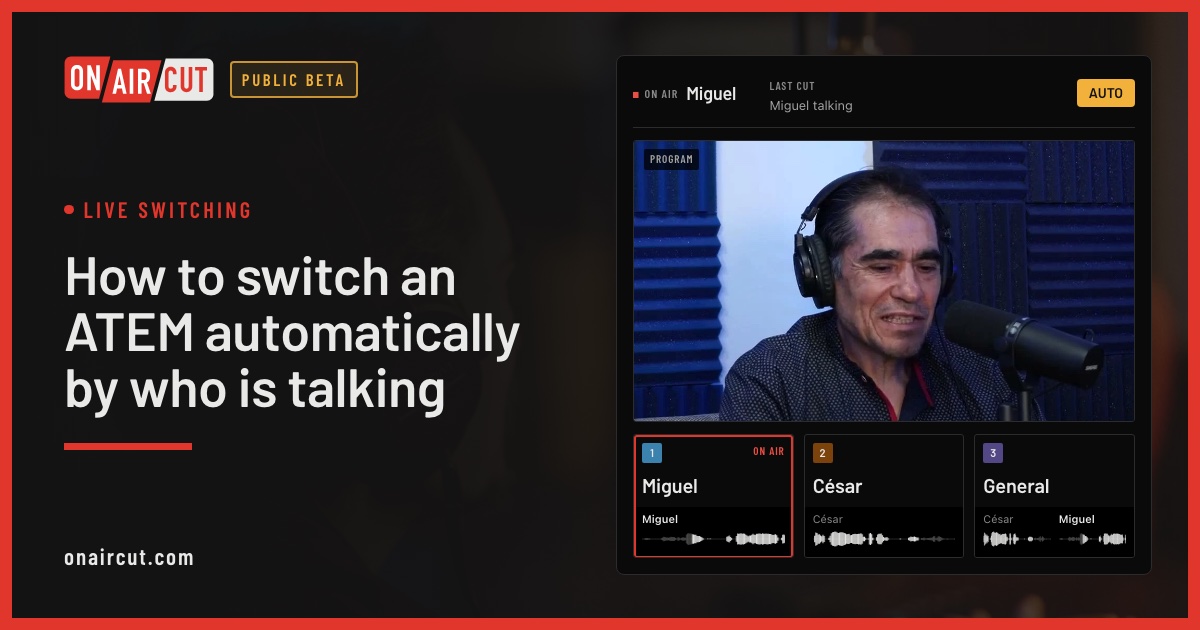
Live switching
How to switch an ATEM automatically by who is talking
Switch an ATEM’s cameras to whoever is talking, live, from each mic of a multichannel USB console. Step by step with OnAirCut, from the cables to the first show.
Read →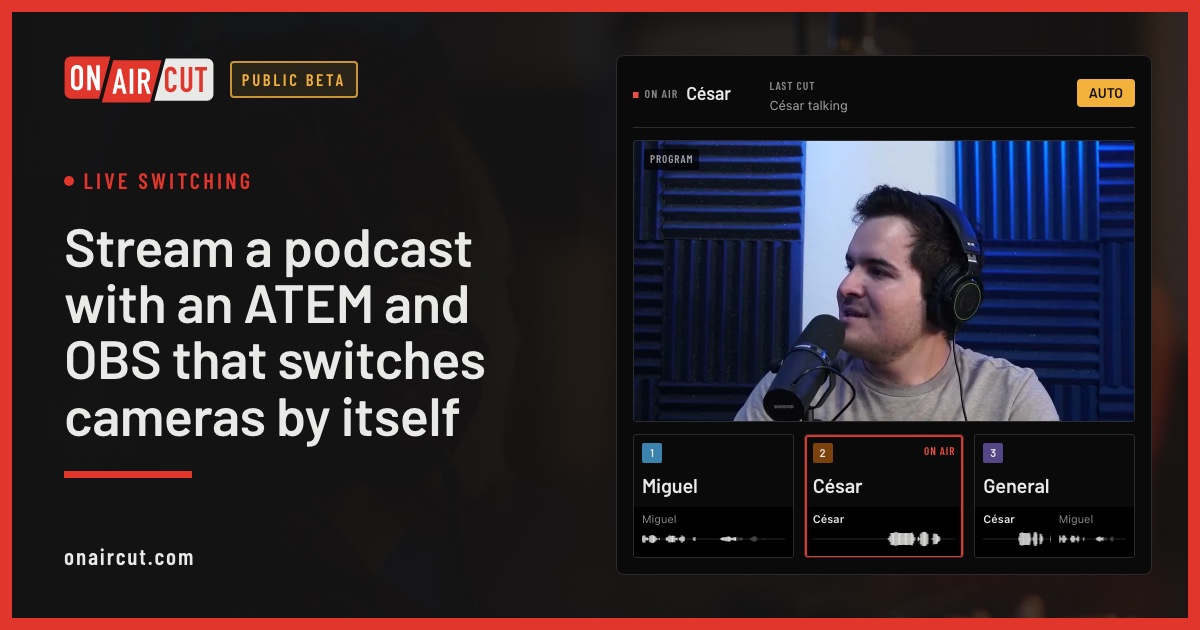
Live switching
Stream a podcast with an ATEM and OBS that switches cameras by itself
Stream a multicam podcast from OBS with an ATEM Mini that cuts to whoever is talking. How the ATEM, OBS and OnAirCut fit together, the video, the sound and the first stream.
Read →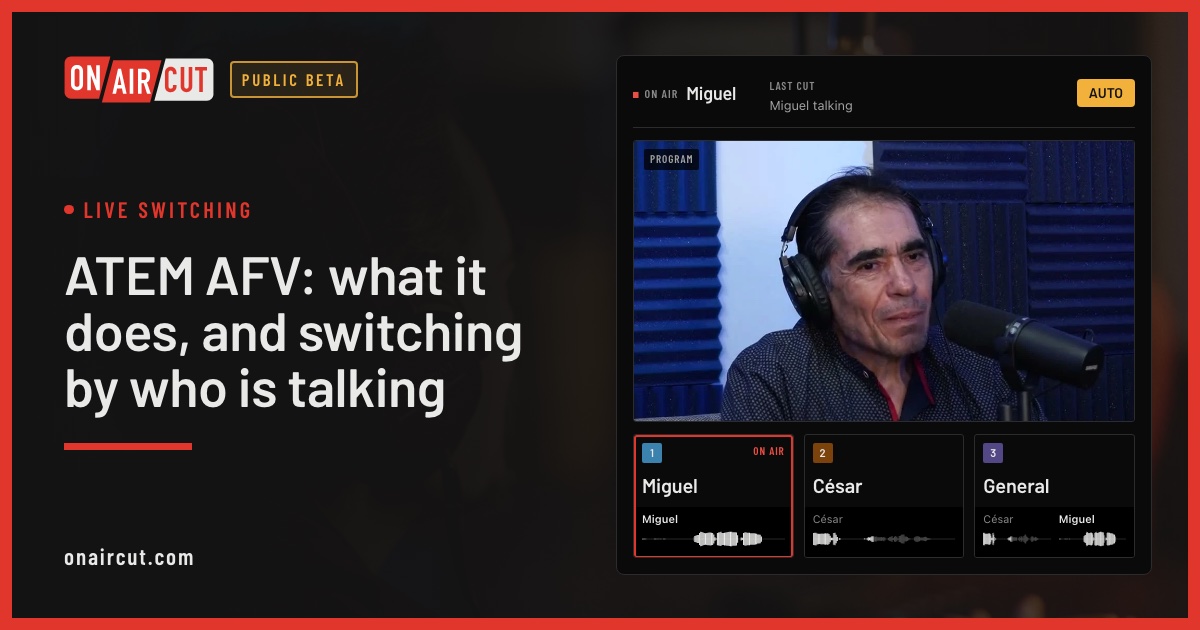
Live switching
ATEM AFV: what it does, and switching by who is talking
What Audio Follow Video does on an ATEM, why podcast mics shouldn’t use it, and how to get the opposite: cameras that follow whoever is talking.
Read →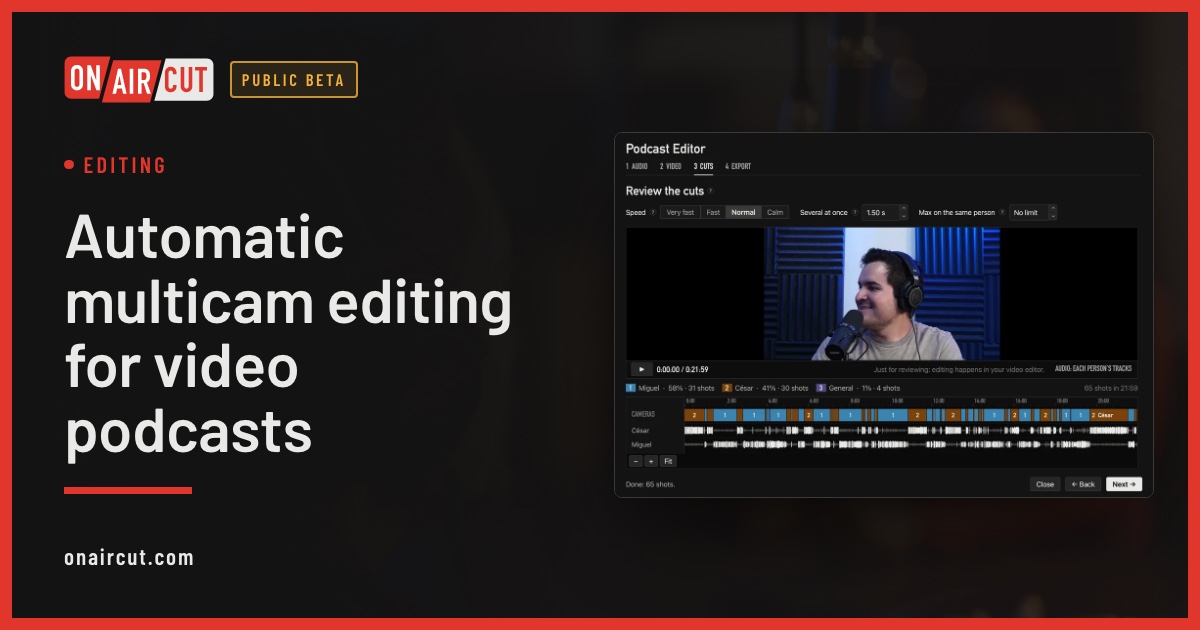
Editing
Automatic multicam editing for video podcasts
Build a video podcast’s multicam edit automatically from each person’s audio, for Final Cut Pro, Premiere Pro or DaVinci Resolve. No ATEM needed. Four steps.
Read →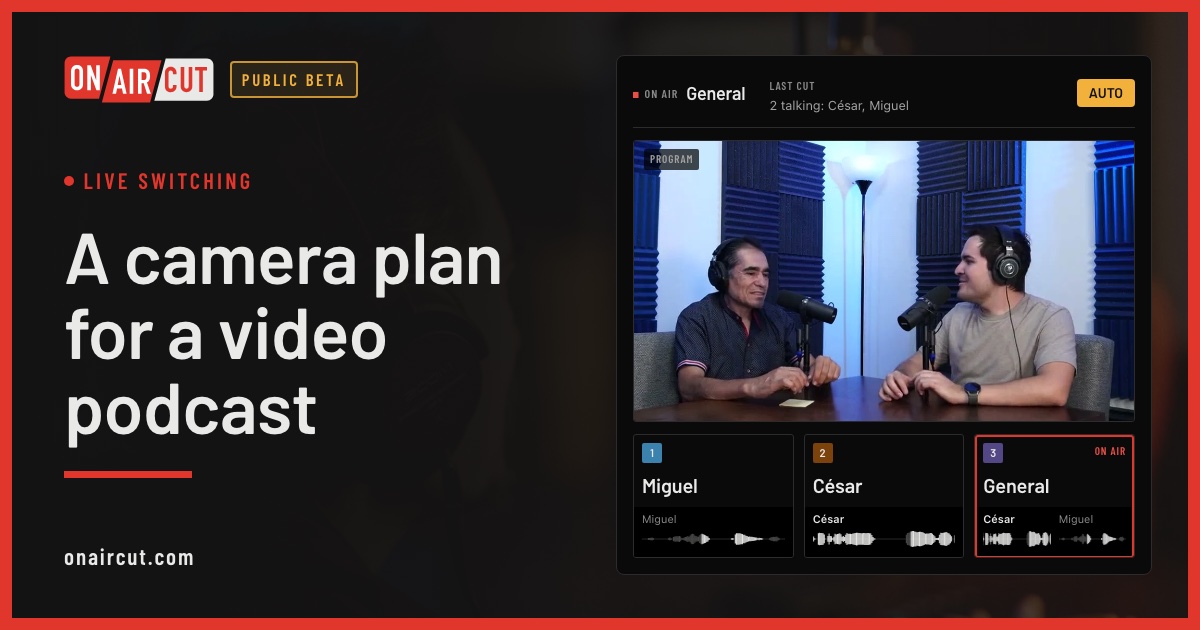
Live switching
A camera plan for a video podcast
How many cameras a video podcast needs, what each should show and how to frame them, for two or three people — and how OnAirCut uses each one.
Read →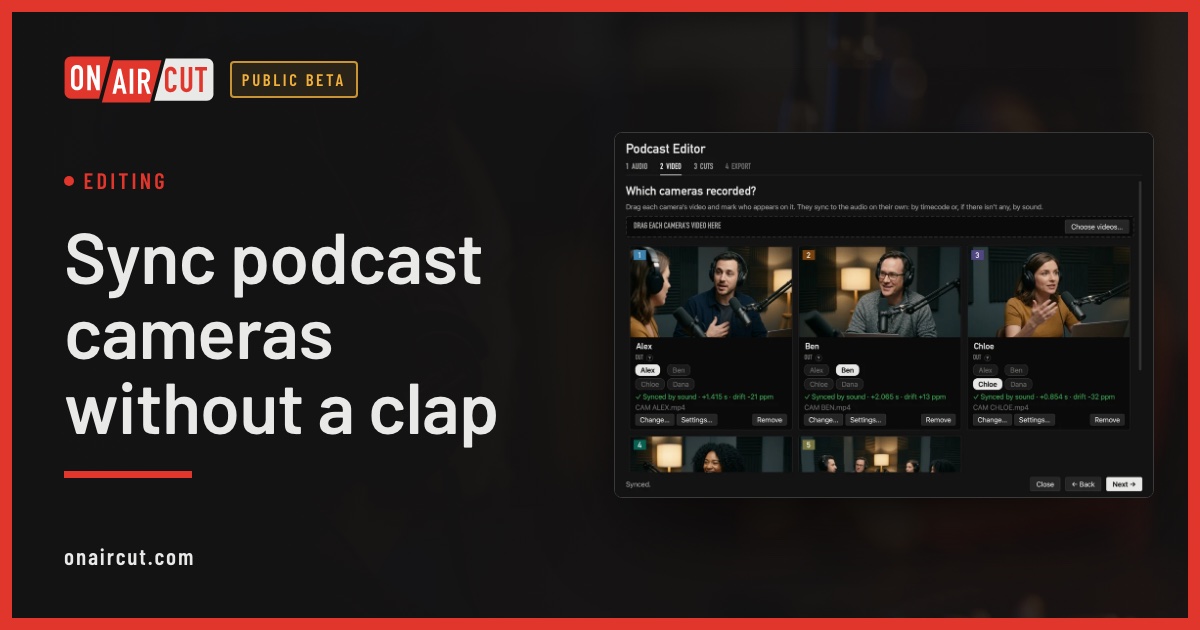
Editing
Sync podcast cameras without a clap
How to sync a video podcast’s cameras with each person’s audio without clapping: by timecode, by sound, and correcting the clock drift of each camera.
Read →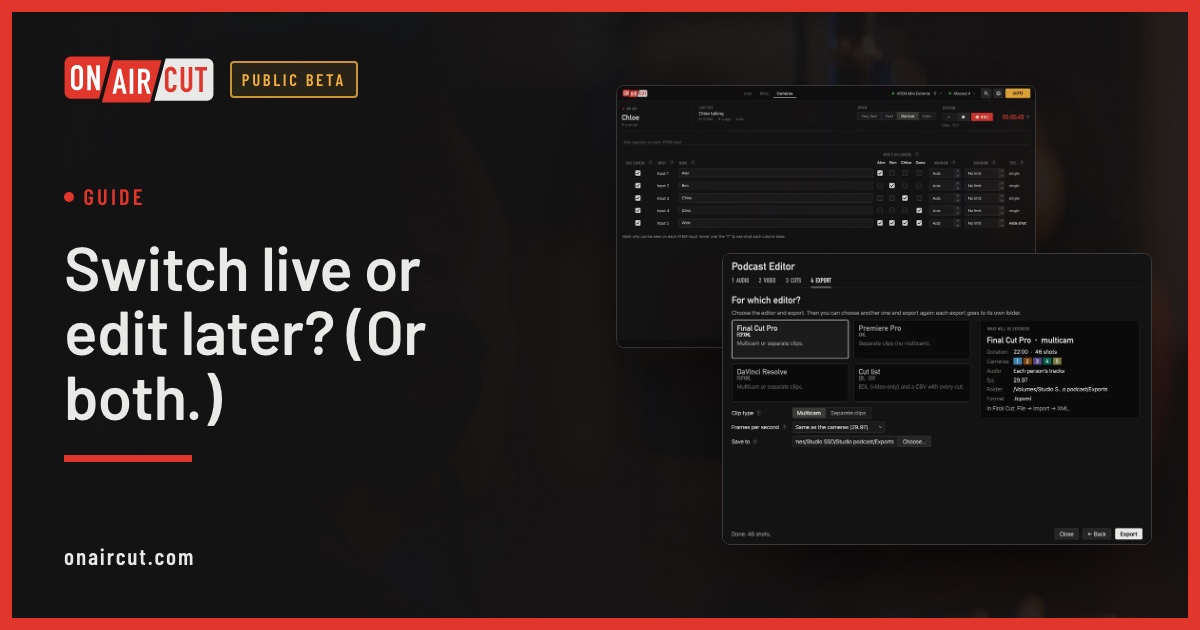
Guide
Switch live or edit later? (Or both.)
When to switch a video podcast live with the ATEM, when to edit it afterwards, and how to do both with one recording.
Read →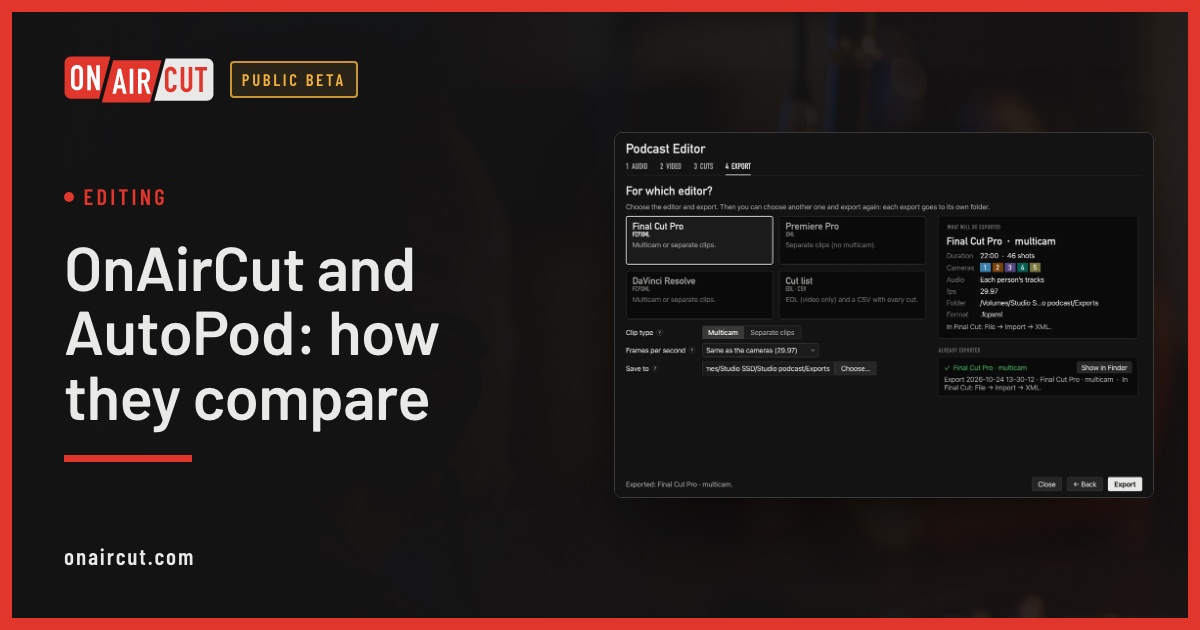
Editing
OnAirCut and AutoPod: how they compare
OnAirCut and AutoPod both build a video podcast’s multicam edit automatically. Where each one runs, what it does, what it costs and which fits your setup.
Read →