
Switch live or edit later? (Or both.)
Live switching gives you the show the moment it ends. Editing afterwards gives you every angle and a more precise cut. With OnAirCut you don’t have to choose.
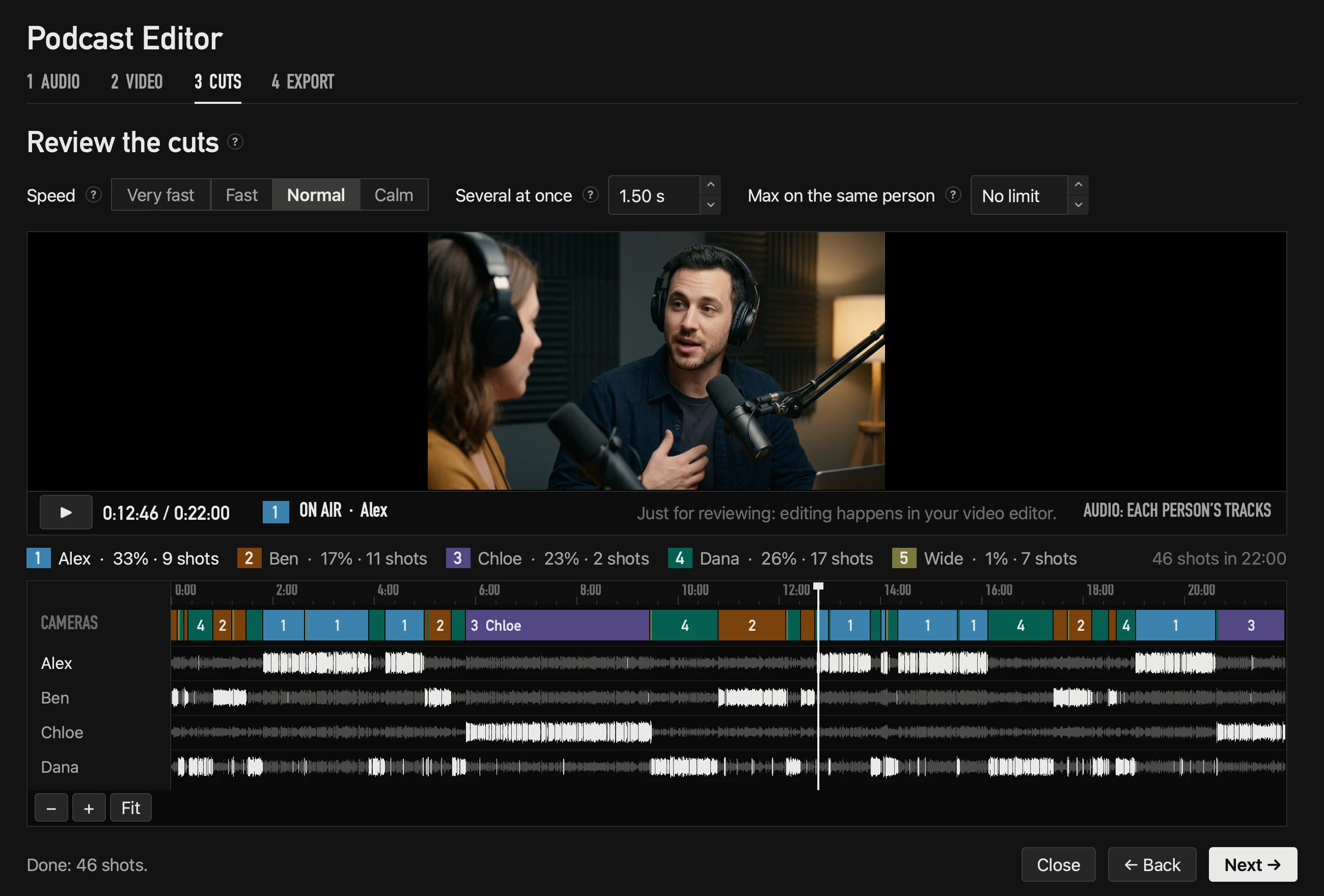
Side by side
| Live Switcher | Podcast Editor | |
|---|---|---|
| When | While you record or stream | After the show |
| What you get | The ATEM’s program: one finished file, or your stream | A multicam edit in Final Cut, Premiere or DaVinci |
| Right shot (measured) | 93 % in a 66-minute session | 98.1 % in a 60-minute podcast; 99.3 % with clean tracks |
| Change an angle | No: it already went out | Yes, any cut, with one click in a multicam clip |
| Needs | The ATEM and a USB console | Each person’s audio and each camera’s video |
Live, when the show must be ready
If you stream, or need the episode out the same day, the Live Switcher is the edit: the ATEM records or streams the program as it happens. Live, every decision can only use what’s already been said, so each cut arrives about 0.6 s after someone starts (at Normal speed).
Afterwards, when you want it perfect
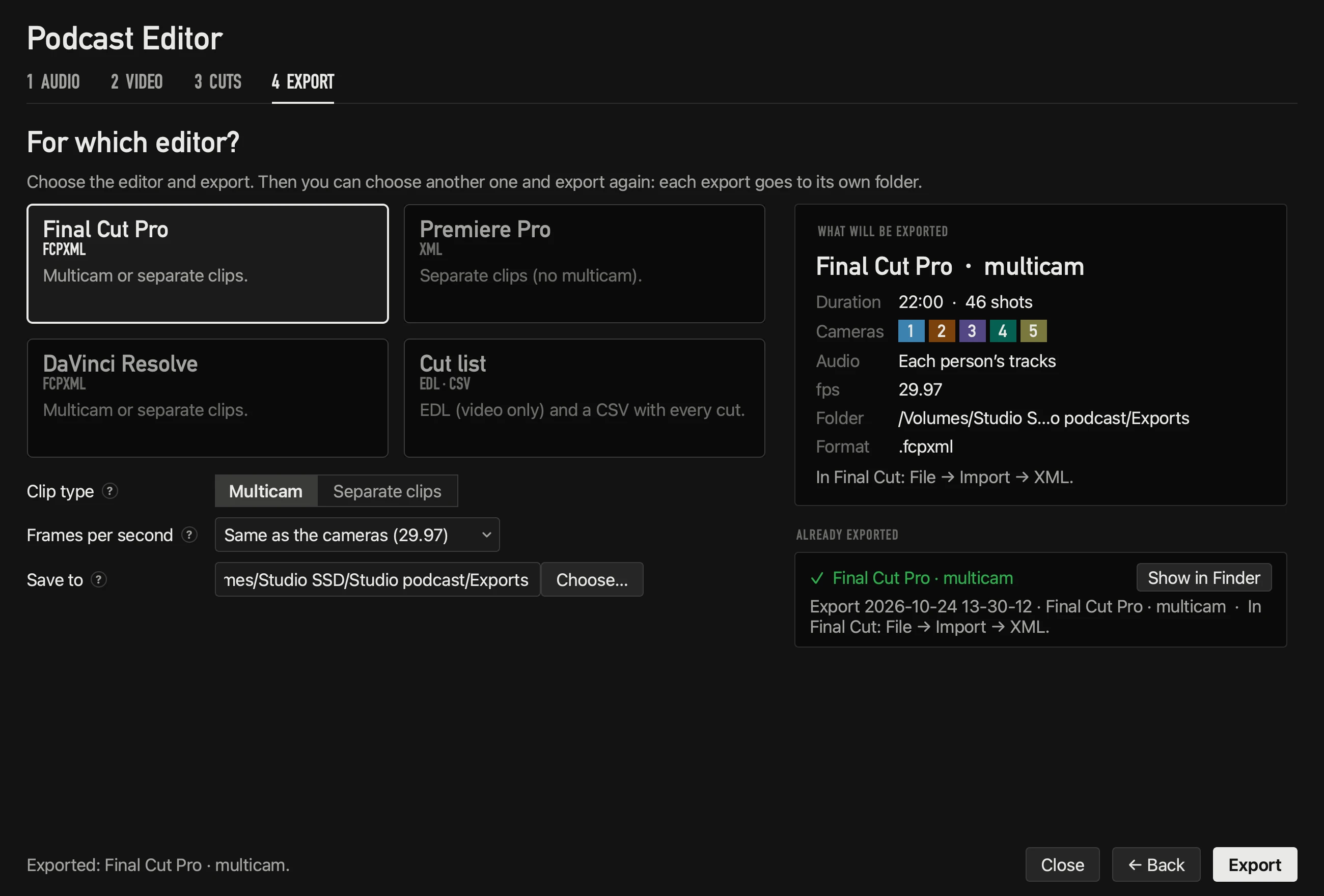
The Podcast Editor hears the whole conversation before deciding, and every cut lands right where someone starts talking. You get a multicam edit you can still change.
Both, from one recording
- 1Record each camera on its own (its card, an external recorder or an ATEM ISO).
- 2In OnAirCut, press ● REC before ▶: it saves a WAV per mic and every live cut.
- 3Switch live as usual — that’s your program.
- 4Afterwards, open the session in the Podcast Editor and choose From the live show (exactly what went out) or From the whole recording (recalculated, usually more precise).
Questions
Does ● REC record video?
No. It records each mic’s audio and every cut. Video is recorded on the cameras or on the ATEM.
Can I edit a show I didn’t switch with OnAirCut?
Yes: the editor works with any recording that has each person’s audio and each camera’s video.
Read next
Live switching
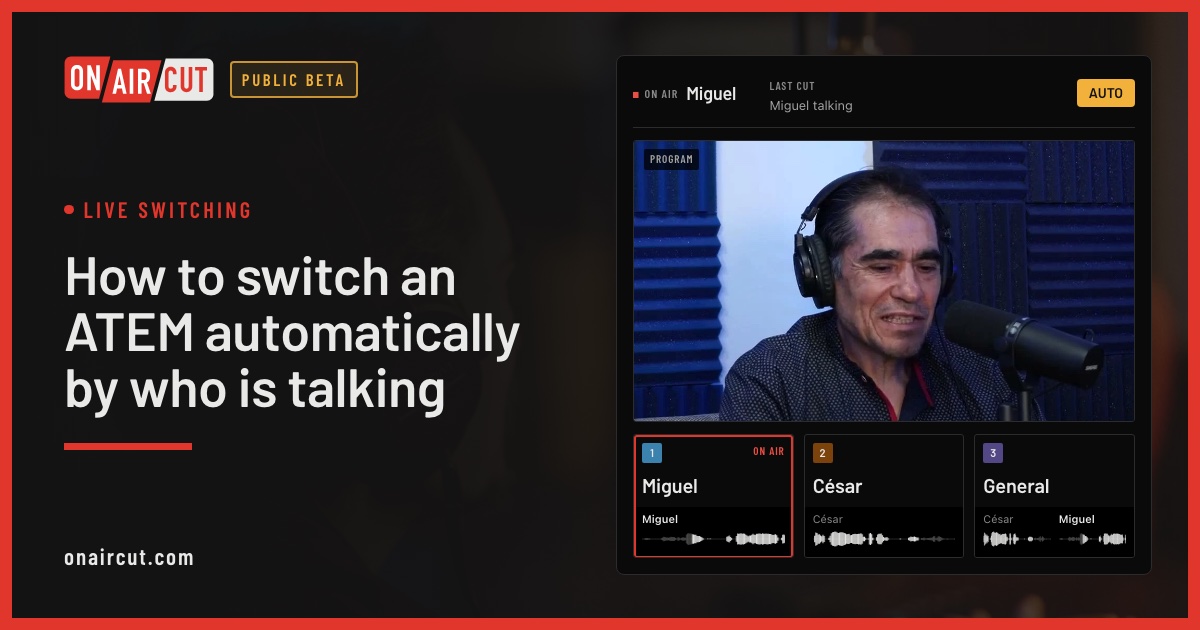
How to switch an ATEM automatically by who is talking
Switch an ATEM’s cameras to whoever is talking, live, from each mic of a multichannel USB console. Step by step with OnAirCut, from the cables to the first show.
Read →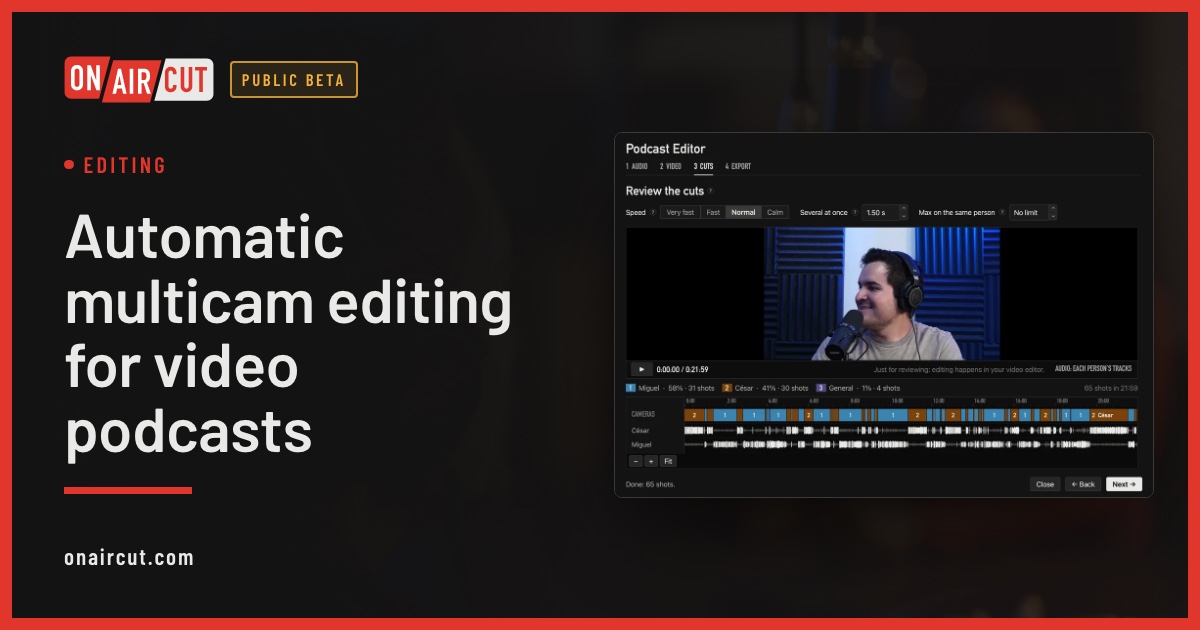
Editing
Automatic multicam editing for video podcasts
Build a video podcast’s multicam edit automatically from each person’s audio, for Final Cut Pro, Premiere Pro or DaVinci Resolve. No ATEM needed. Four steps.
Read →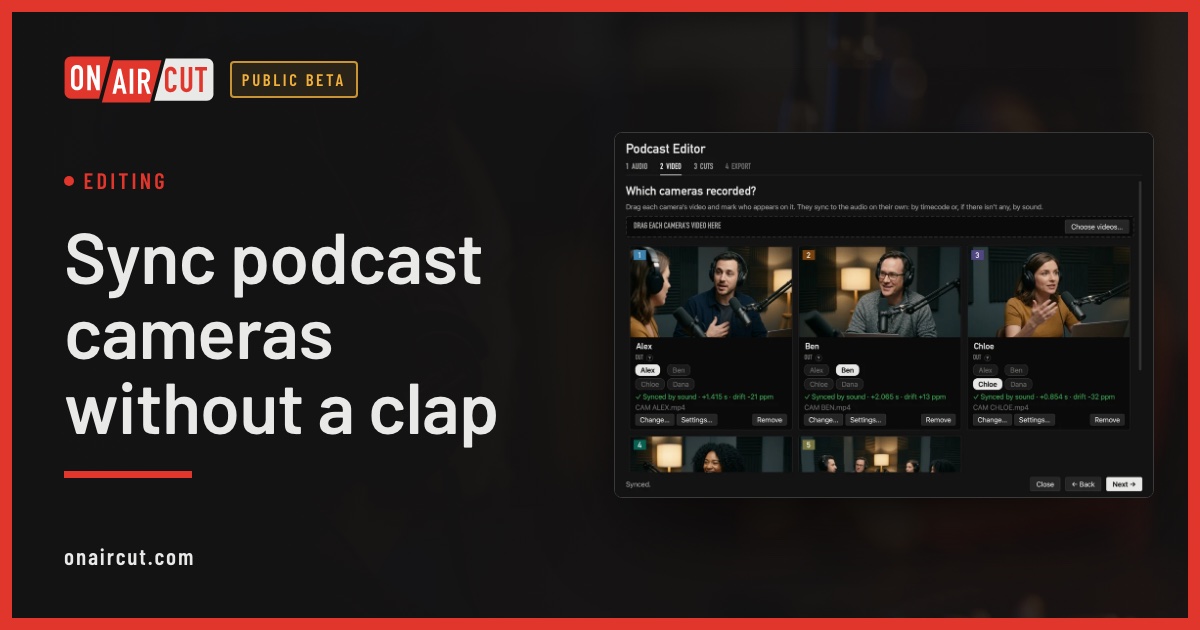
Editing
Sync podcast cameras without a clap
How to sync a video podcast’s cameras with each person’s audio without clapping: by timecode, by sound, and correcting the clock drift of each camera.
Read →Try it on your own show.
Public beta until December 31, 2026. For Mac with Apple silicon.