
Sync podcast cameras without a clap
A clap gives one sync point. A podcast lasts an hour, and camera clocks don’t run at exactly the same speed. Here’s how OnAirCut syncs every camera — and what to do at the recording so it always can.
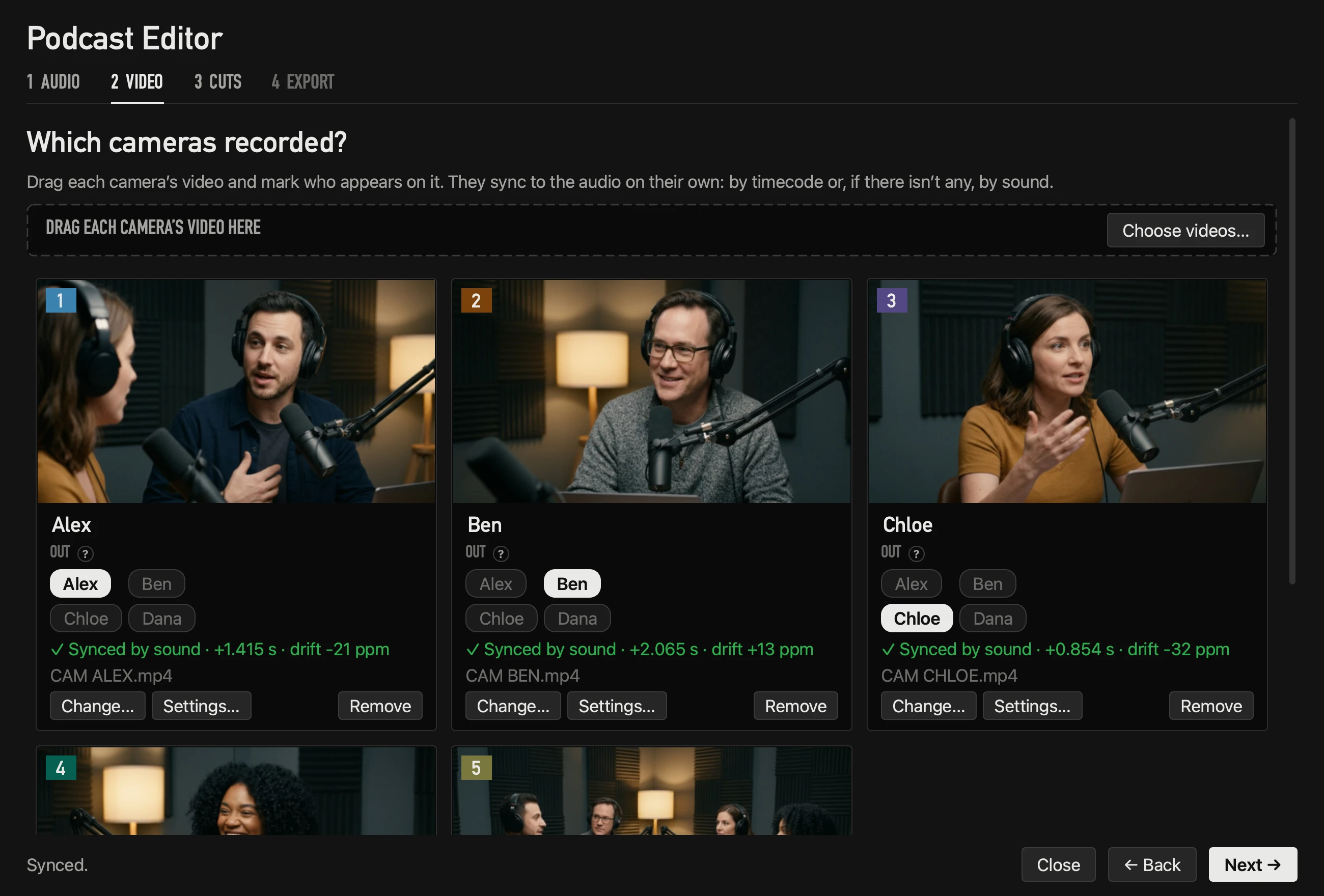
By timecode, when it agrees
If a camera writes timecode into its file and it agrees with the sound, that’s used. If the cameras share timecode with each other but not with the Mac’s clock, their timecode places them against each other and the sound only places the group. Timecode is compared in real seconds, so it lines up even if the cameras started minutes apart.
By sound, when it doesn’t
Without timecode — or when it doesn’t agree — OnAirCut compares each camera’s own audio with the mics’ tracks, to a fraction of a millisecond. It needs at least five seconds of audio in common; a whole podcast has plenty.
At the recording: keep each camera’s own microphone on, even if its sound is never used. That scratch audio is what lets it sync by sound.
The drift nobody sees
Two clocks never run at exactly the same speed. A difference of 30 parts per million is 0.1 s in an hour — enough for a cut to land on the wrong syllable by the end. OnAirCut measures each camera’s drift and corrects it on every cut, and checks the sync at many points along the recording.
If the points don’t agree — a video from another day, say — the camera says Unconfirmed sync and the export warns about it, instead of quietly delivering a bad edit.
Frame rates and drop frame
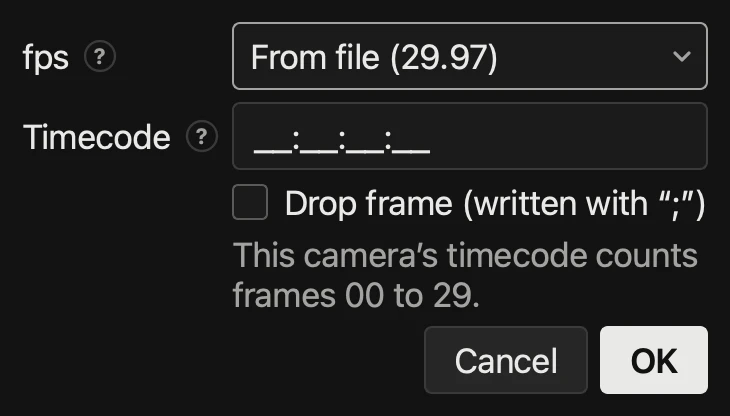
- 23.976, 24, 25, 29.97, 30, 50, 59.94 and 60.
- Timecode is read the way the camera counts it — one at 59.94p usually counts at 30 — and exported the same way.
- Drop frame exists only at 29.97 and 59.94 (cameras show it with “;”). The file’s is respected, and you can tick or untick it on each camera.
A checklist for the recording
- 1Keep every camera’s own audio on.
- 2Start every camera before the conversation starts, and stop them after it ends.
- 3Don’t trim the files before the edit: give OnAirCut the whole recording.
- 4If your cameras support it, set the same timecode on all of them.
Questions
Do I still need to clap?
No. A clap doesn’t hurt, but OnAirCut syncs by timecode or by the cameras’ own sound across the whole recording.
What if a camera has no sound?
Then it can only sync by timecode. If it has neither, its card says why it couldn’t be synced.
Read next
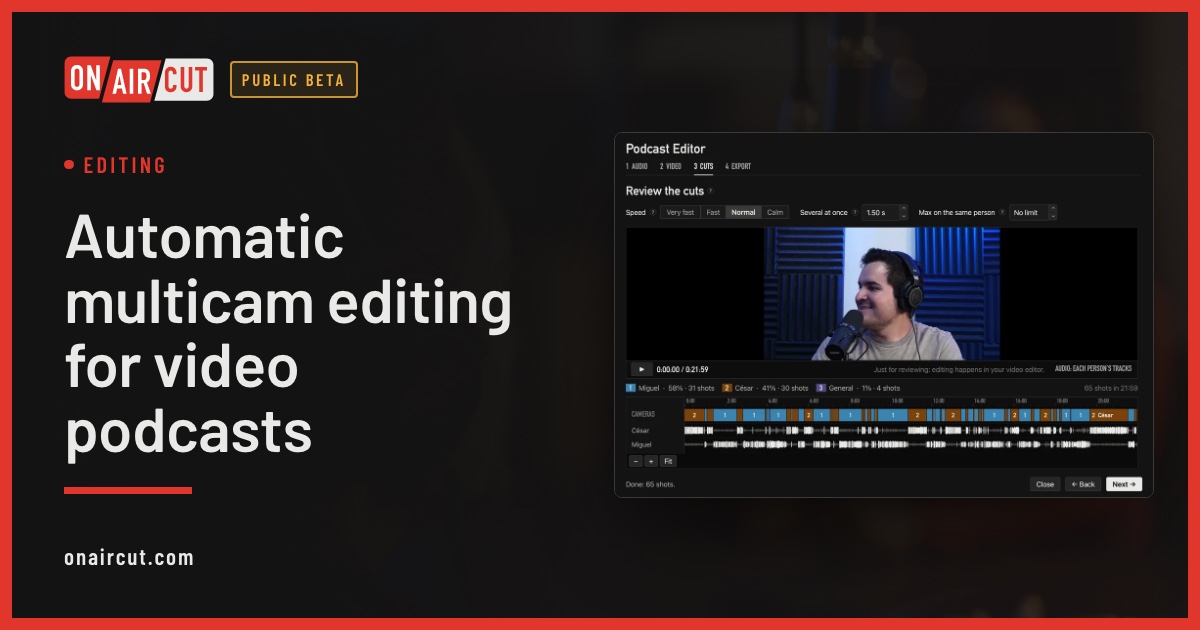
Editing
Automatic multicam editing for video podcasts
Build a video podcast’s multicam edit automatically from each person’s audio, for Final Cut Pro, Premiere Pro or DaVinci Resolve. No ATEM needed. Four steps.
Read →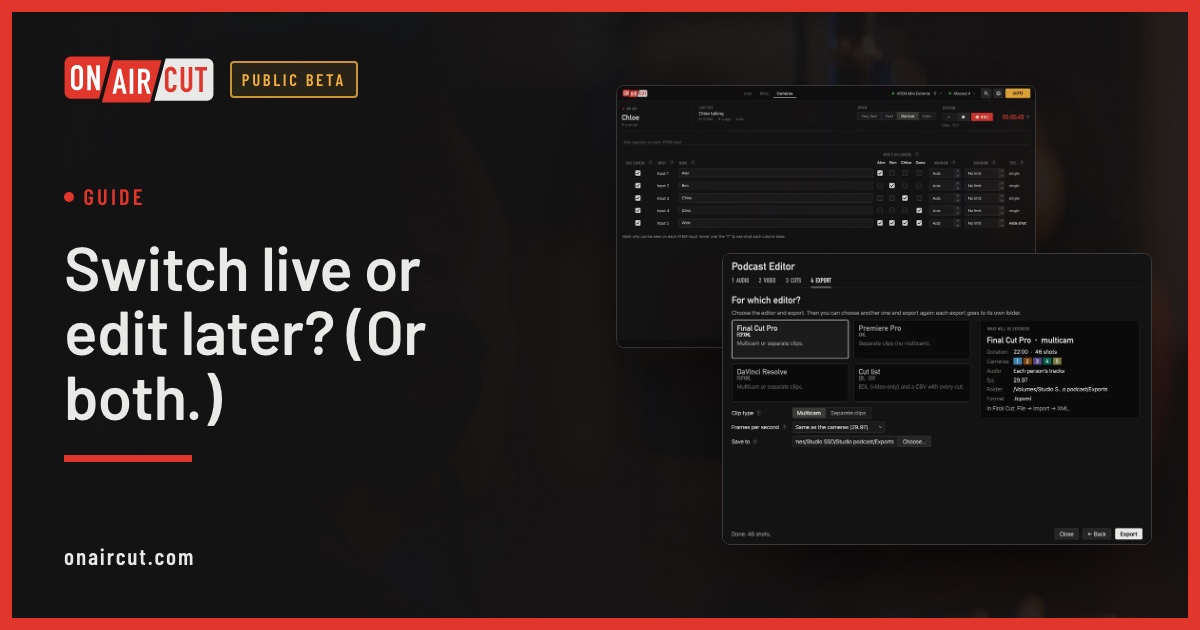
Guide
Switch live or edit later? (Or both.)
When to switch a video podcast live with the ATEM, when to edit it afterwards, and how to do both with one recording.
Read →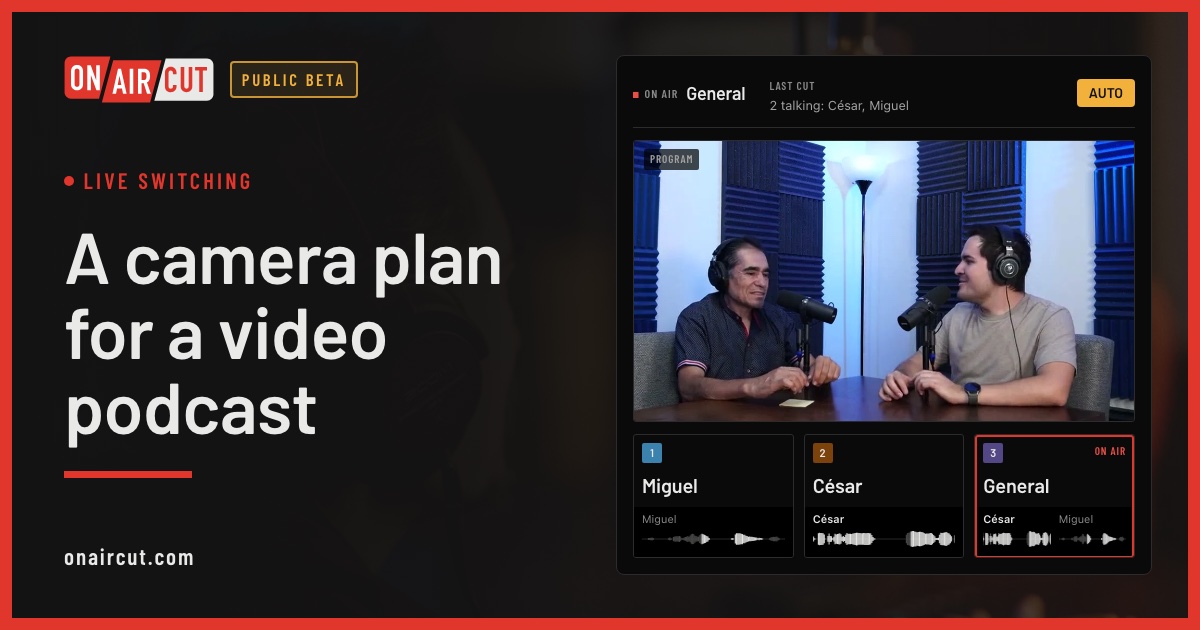
Live switching
A camera plan for a video podcast
How many cameras a video podcast needs, what each should show and how to frame them, for two or three people — and how OnAirCut uses each one.
Read →Try it on your own show.
Public beta until December 31, 2026. For Mac with Apple silicon.