
OnAirCut and AutoPod: how they compare
Both build the multicam edit of a video podcast from each person’s audio. The main difference is where they live: AutoPod works inside Premiere Pro (and, in beta, DaVinci Resolve), while OnAirCut is a separate Mac app that hands your editor a finished multicam timeline — and can also switch an ATEM live.
Side by side
| OnAirCut | AutoPod | |
|---|---|---|
| Where it runs | A separate Mac app; it exports a timeline to your editor | Extensions inside Premiere Pro; DaVinci Resolve Studio in beta |
| Editors | Final Cut Pro, Premiere Pro and DaVinci Resolve | Premiere Pro 2023 or newer, and DaVinci Resolve (beta) |
| Camera sync | Built in: by timecode or by sound | Works on the sequence you set up in your editor |
| Live switching | Yes: the Live Switcher, for the ATEM family | Not offered: it’s for post-production |
| Cameras | Up to 20 inputs live; every camera you recorded in the editor | Up to 10 cameras and 10 mics |
| Other tools | Session recording: a WAV per mic and every cut | Social Clip Creator and Jump Cut Editor |
| Price | Public beta until December 31, 2026; then 19 USD a month or 190 USD a year, 7-day trial | 29 USD a month, 30-day trial; one month free with annual billing |
AutoPod’s details come from autopod.fm and its pricing page, as of October 23, 2026. If anything here is out of date, tell us and we’ll fix it.
Inside your editor, or next to it
AutoPod opens as a panel inside Premiere Pro (Window › Extensions), so you never leave your editor: you point it at the tracks of each speaker and it cuts the sequence right there.
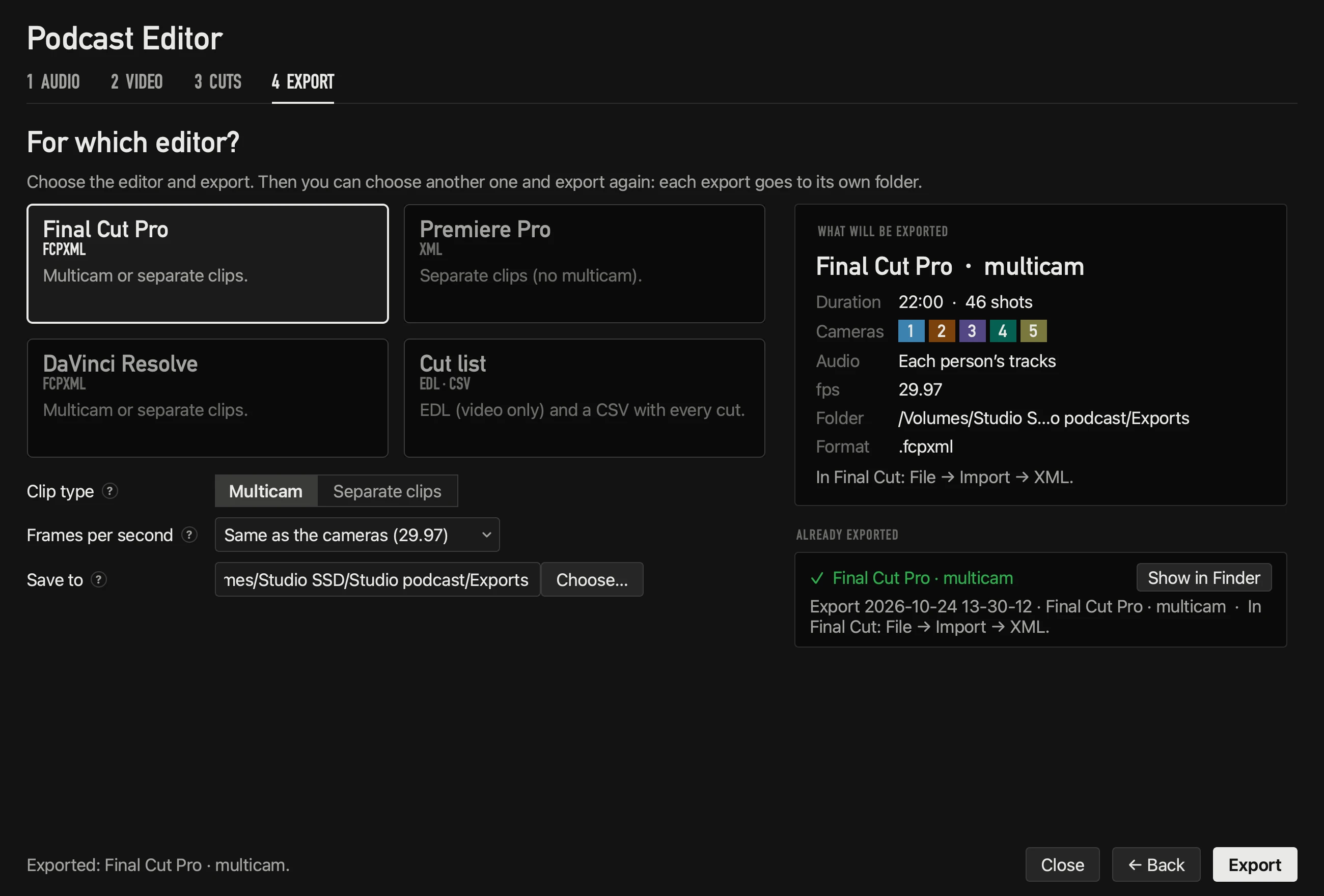
OnAirCut doesn’t open inside any editor. You give it each person’s audio and each camera’s video; it syncs them, calculates the cuts and exports an FCPXML for Final Cut Pro and DaVinci Resolve or an XML for Premiere Pro, which opens as a multicam edit you can still change.
If you also switch live
OnAirCut is two apps in one: besides the Podcast Editor, it brings the Live Switcher, which cuts an ATEM to whoever is talking while you record or stream. You can record the live show and edit it afterwards from the same session. AutoPod focuses on post-production.
Which one fits your setup
- 1AutoPod fits well if your whole workflow lives in Premiere Pro and you also want social clips and jump cuts from the same panel.
- 2OnAirCut fits well if you edit in Final Cut Pro, want the camera sync done for you, or also switch an ATEM live.
- 3Nothing stops you from trying both: AutoPod has a 30-day trial, and OnAirCut is free while the public beta lasts.
Questions
Is OnAirCut a Premiere Pro plugin?
No. It’s a separate Mac app. It exports an XML that opens in Premiere Pro, and an FCPXML for Final Cut Pro and DaVinci Resolve.
Does OnAirCut need an ATEM?
Only the Live Switcher does. The Podcast Editor works with any recording: one audio file per person and each camera’s video.
Does it need one audio track per person?
Yes, both work from each person’s own audio. OnAirCut also accepts a multitrack file or an OnAirCut session.
Read next
Editing
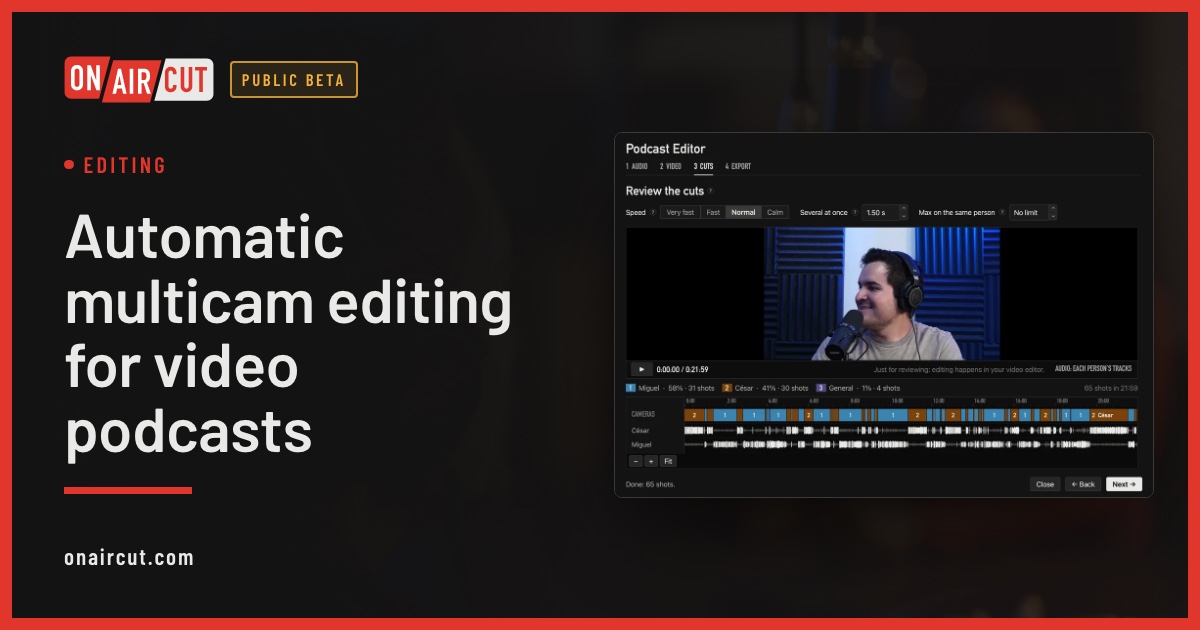
Automatic multicam editing for video podcasts
Build a video podcast’s multicam edit automatically from each person’s audio, for Final Cut Pro, Premiere Pro or DaVinci Resolve. No ATEM needed. Four steps.
Read →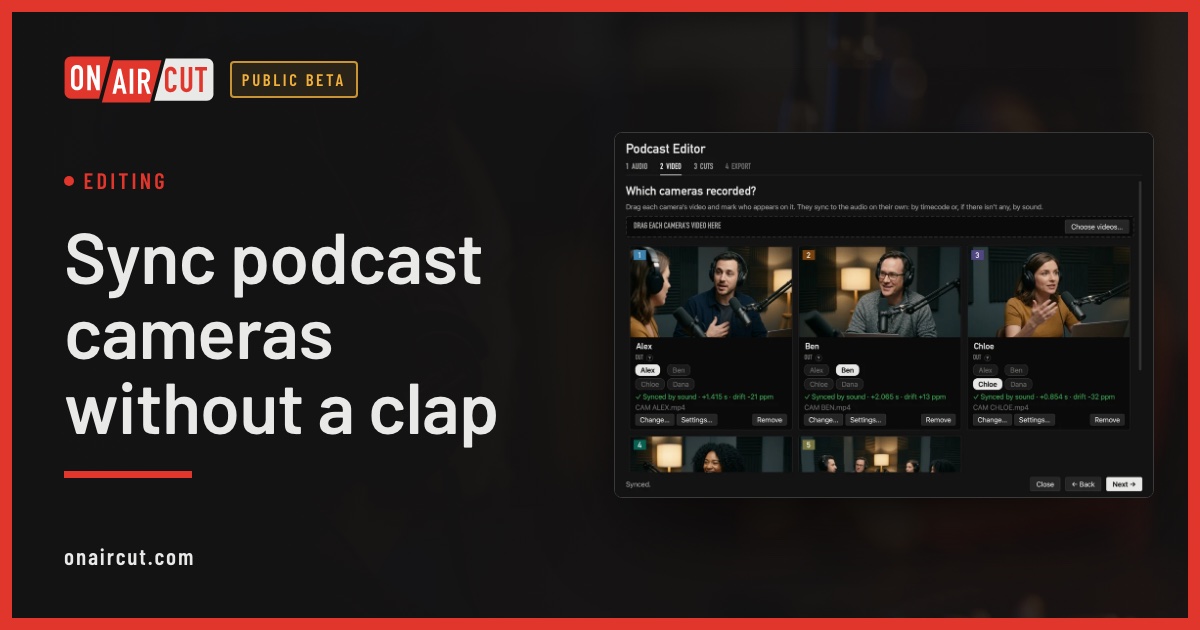
Editing
Sync podcast cameras without a clap
How to sync a video podcast’s cameras with each person’s audio without clapping: by timecode, by sound, and correcting the clock drift of each camera.
Read →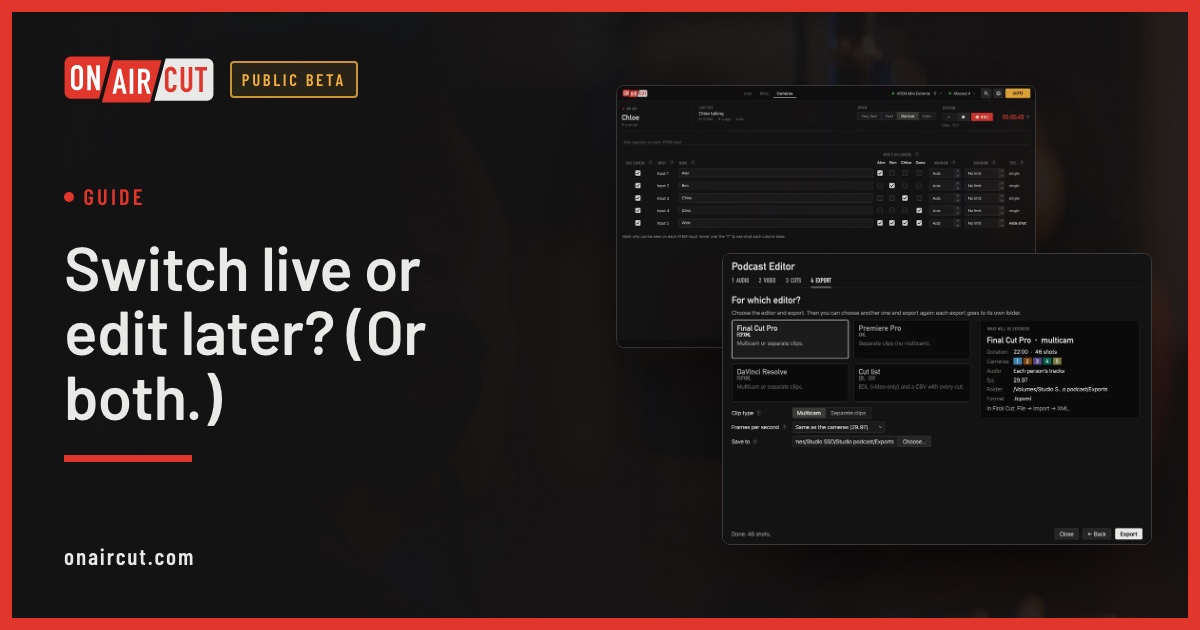
Guide
Switch live or edit later? (Or both.)
When to switch a video podcast live with the ATEM, when to edit it afterwards, and how to do both with one recording.
Read →Try it on your own show.
Public beta until December 31, 2026. For Mac with Apple silicon.